Web Part · People Hub
Find anyone in your org, fast
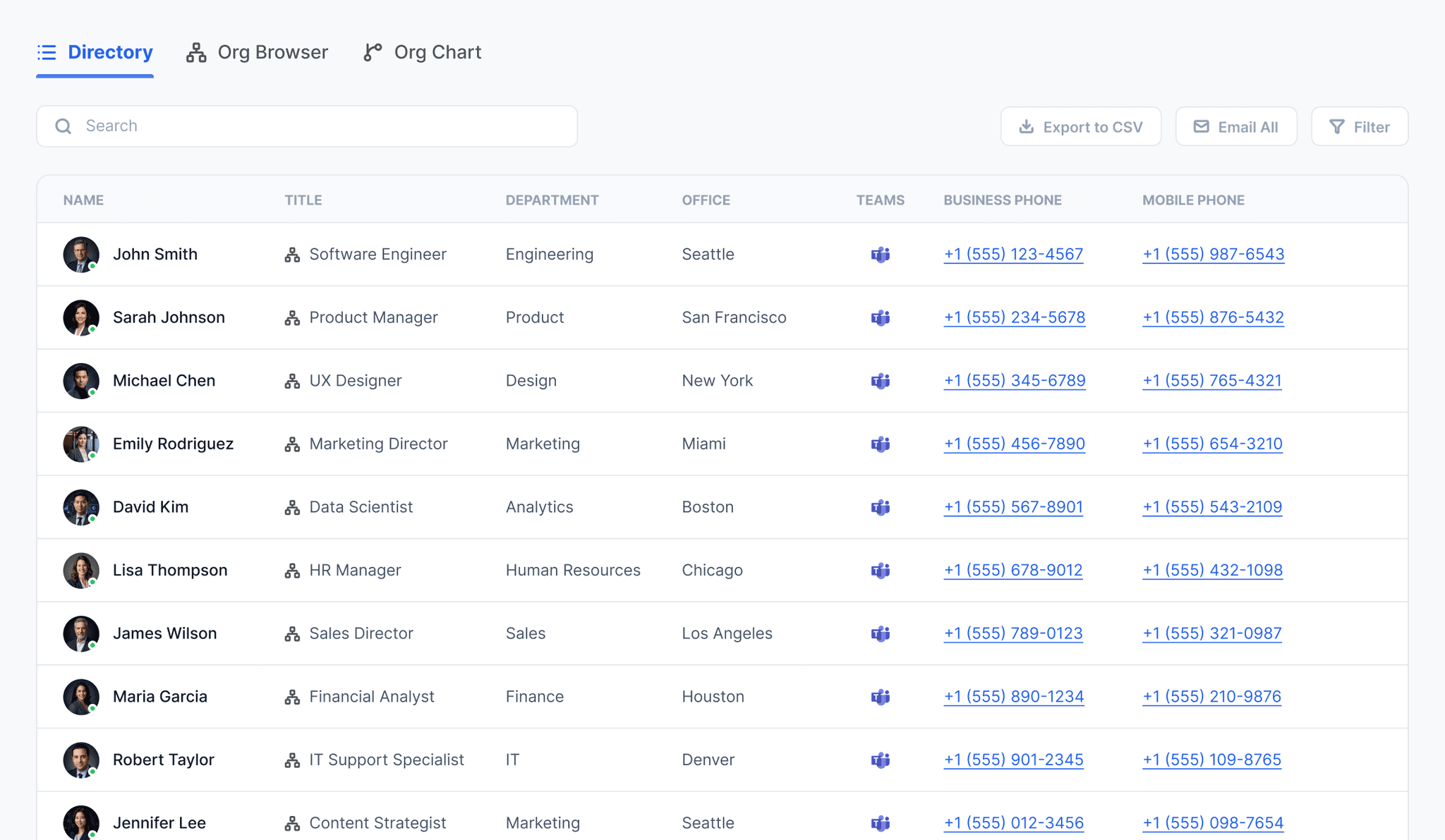
People Hub is an interactive staff directory and org chart built into SharePoint. It pulls live data straight from Microsoft Entra ID, so your team can search and find anyone in the organisation without leaving the intranet.
Core features
A directory that maintains itself
People Hub replaces the outdated spreadsheet with a live staff directory and org chart, sourced directly from the Microsoft 365 profiles your organisation already keeps up to date.

Live directory search
Search by name, department, role or skill and get instant results with photos pulled straight from Microsoft 365 profiles.

Org chart navigation
Drill down through reporting lines from any starting point, and switch between manager view and full org chart view.

Always in sync
Synced automatically from Microsoft Entra ID. No duplicate directories to maintain and no manual data entry.
Staff Directory
Search and connect in seconds
Find people by name, role or skill
Search across every Microsoft 365 user profile in your tenant. Filter by department, office or skill and get instant, photo-backed results without leaving SharePoint.
 Live search across all Microsoft 365 user profiles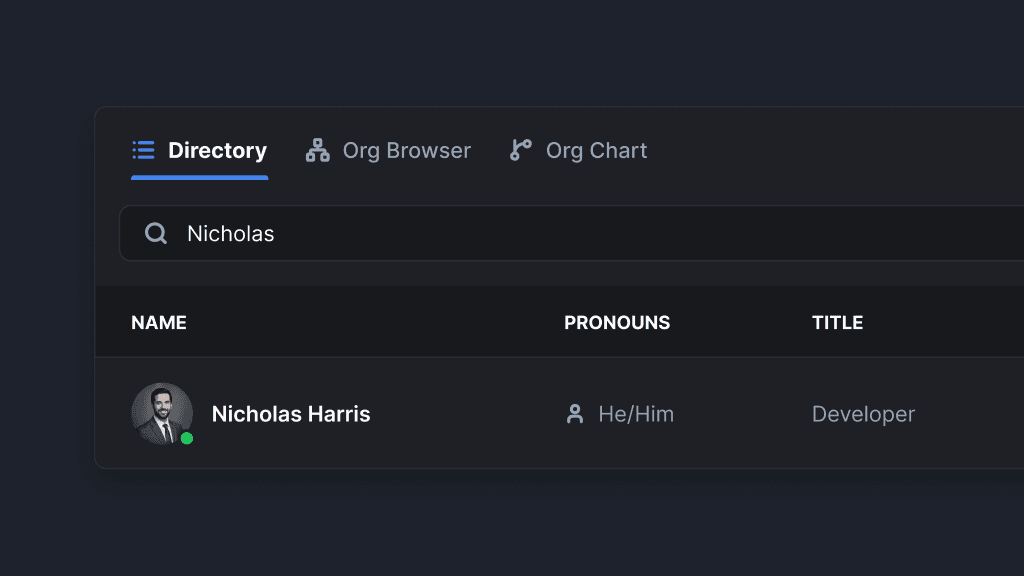
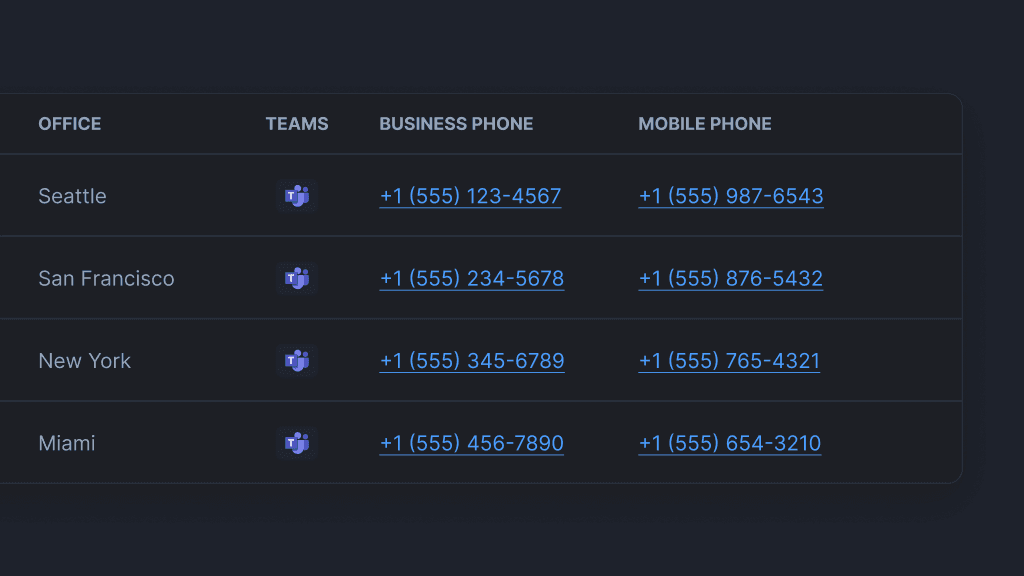
Click straight into a conversation
Every profile card links directly to Microsoft Teams. Find the right person and start a chat without switching apps or hunting for an email address.
Org Chart
Always in sync with your growing workforce
Navigate reporting lines with a click
Drill down through any part of the organisation from a single starting point. Switch between manager view and a full org chart with unlimited hierarchy levels.
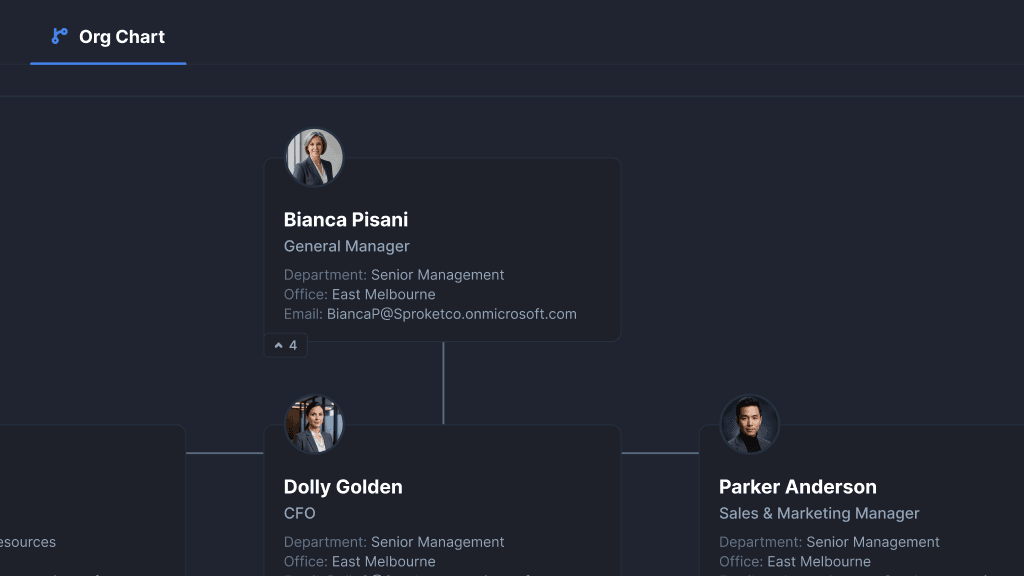
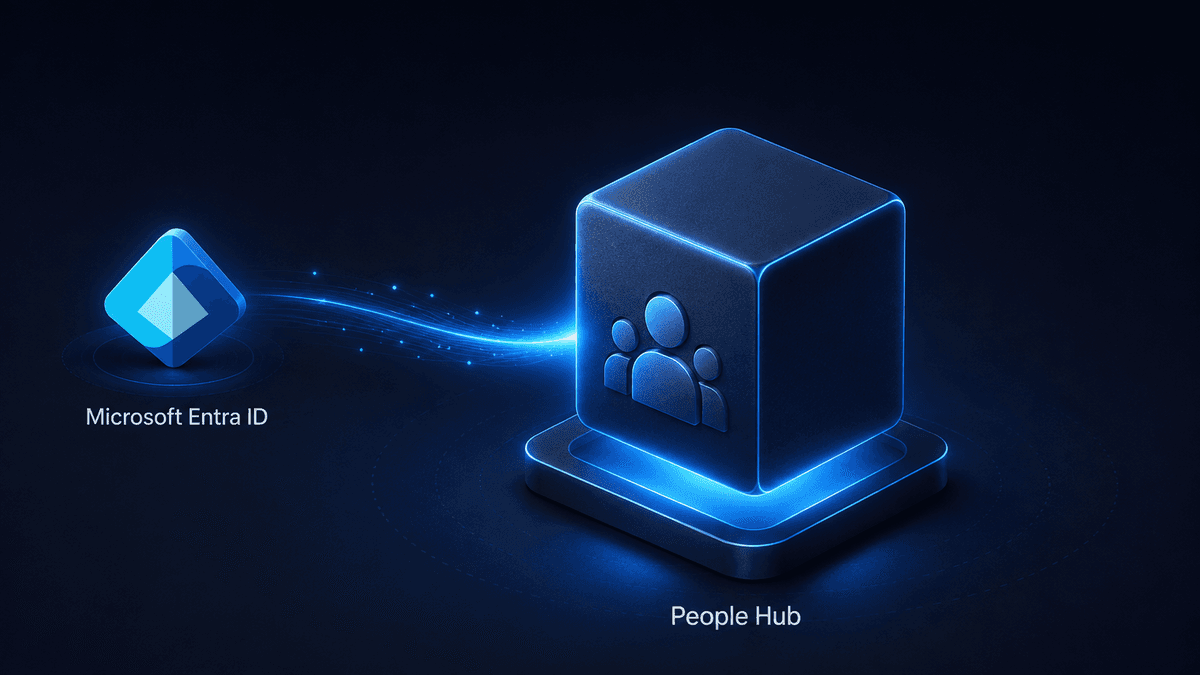
One source of truth, no upkeep
Reporting lines update automatically as Microsoft Entra ID changes, so there is never a separate directory to maintain or a rebuild after every reshuffle.
Use cases
Built for teams who need to find people fast
HR and onboarding
Give new starters a fast way to find their manager, team and the right person to ask, from day one.
IT and service desk
Route requests to the right person by department or role without digging through an outdated spreadsheet.
Remote and hybrid teams
Replace the corridor conversation with a searchable directory everyone can reach from SharePoint.
Mergers and restructures
Org charts stay accurate automatically as reporting lines change, no rebuild required after every reshuffle.
Company-wide directories
One trusted source of truth for names, roles and contact details across every department and site.
Manager 1:1 prep
Jump from an org chart straight into a Microsoft Teams chat with anyone on the team.
Comparison
People Hub vs the built-in Organisation Chart web part
Why teams move off SharePoint's out-of-the-box Organisation Chart web part.
Already using Studio? Set up People Hub from the docs →
Ready to build a searchable people directory in SharePoint?
Start a free 14-day Studio trial and give your team a live, always-current org chart and directory.